Day 3 Task: Basic Linux Commands
Essential Linux Commands: Mastering the Basics
To view the content of the file we use the cat command

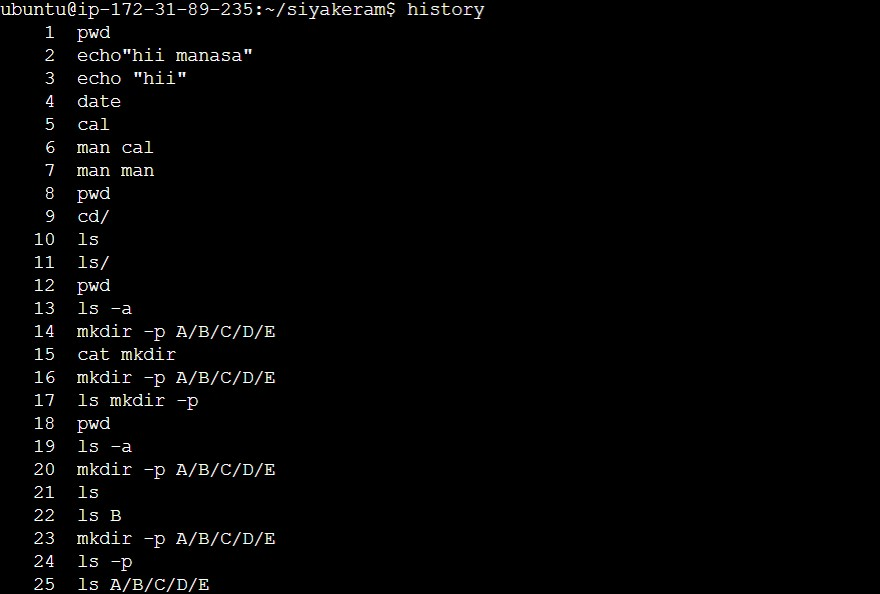
To check which commands you have run till now we use the history command
To remove a directory /file
For removing the file we use the rm command

For removing the directory we use rmdir -r

Show only the top two contents from the file we use the head command

Show only the bottom two contents from the file we use the tail command

To create the empty files we use the touch command

To create multiple files we use touch f1-{5..10}.txt

whoami command tells you the username of the person currently using the computer

cd.. command in Linux changes the current directory to its parent directory.
cd: The command to change the directory.
..: The special notation represents the parent directory.

It's important to note that there is a space between cd and ... Without the space, the command would be interpreted as a different command or result in an error.
The cd/command in Linux is used to change the current working directory to the root directory.

The echo command is used to display text or variables on the screen. It shows whatever you give it as input.

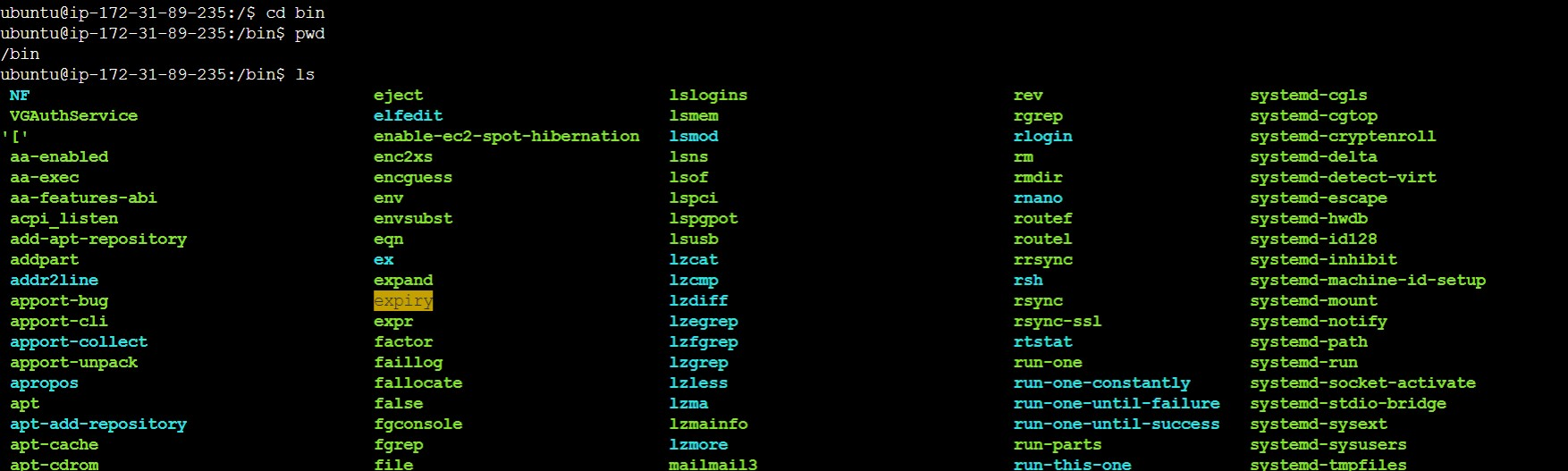
The cd bin command is used to go into the "bin" directory, which contains executable files and commands that you can run directly from the command line.
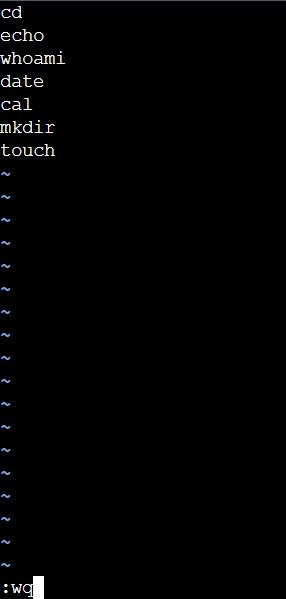
To create the file and view the content we vim editor to create the file and to view the content of the file we use the cat command.

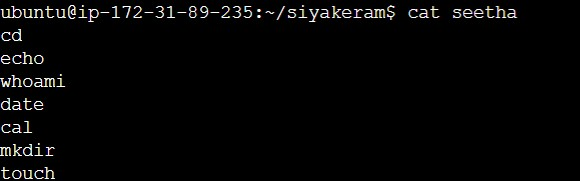
To write the content in the file we should go to insert mode and then enter the contents.
To save the file we should use:wq
THANK YOU FOR READING!